My Chef Introduces Easier Menu Sorting and Group Option Management
My Chef’s latest update gives restaurants more control over their digital menus with easy sorting for categories, items, and group options, plus the ability to activate or deactivate option groups as needed.
My Chef Team
1 month ago
Managing a restaurant menu should be simple, fast, and flexible. That is why My Chef continues to improve the tools available to restaurant owners and staff.
Our latest update introduces new menu management capabilities that make it easier to sort categories, menu items, and group options, while also giving restaurants more control over which options are currently available to customers.
Organize Your Menu the Way You Want
Restaurant menus can change frequently. New dishes are added, seasonal items are introduced, popular products may need to appear first, and certain options may need to be reorganized.
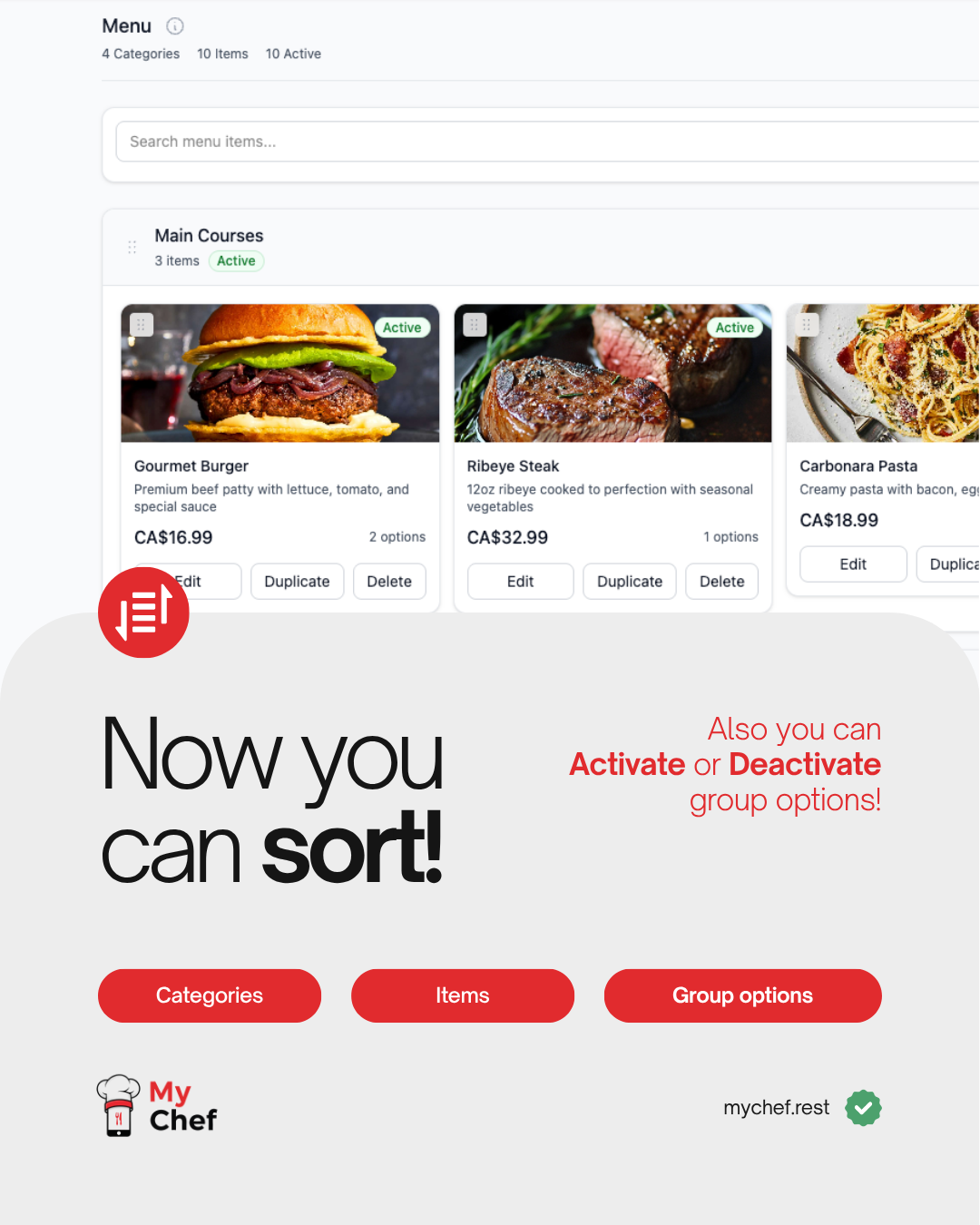
With the latest My Chef update, restaurant owners can now easily sort:
- Categories
- Menu Items
- Group Options
This allows restaurants to control the order in which their menu content appears instead of being limited to the order in which items were originally created.
For example, a restaurant can move its most popular category to the top of the menu, place featured dishes first, or organize customization options in a way that makes more sense for customers.
Simple Drag-and-Drop Menu Management
The updated menu interface is designed to make organization faster and more intuitive.
Restaurant managers can rearrange menu content directly from the My Chef management dashboard, making it easier to maintain a clean and well-structured digital menu.
A better-organized menu can also make the customer ordering experience simpler, especially when restaurants have many categories, products, sizes, extras, or customization options.
Activate or Deactivate Group Options
The update also introduces improved control over group options.
Restaurants can now activate or deactivate option groups depending on availability or operational needs.
For example, a menu item might include options such as:
- Size
- Side selection
- Sauce
- Toppings
- Cooking preference
- Add-ons
- Drink selection
If a particular group of options is temporarily unavailable, the restaurant can deactivate it without having to permanently delete or rebuild the configuration.
When the option becomes available again, it can simply be activated.
More Flexibility for Day-to-Day Restaurant Operations
Restaurant availability can change throughout the day.
An ingredient might run out. A certain customization may only be available during specific hours. A seasonal option may need to be temporarily removed. A restaurant may also want to change how customers see different choices.
The ability to activate and deactivate group options gives restaurants more flexibility to respond to these situations while keeping their menu configuration intact.
Instead of repeatedly deleting and recreating options, restaurant staff can manage availability directly from the My Chef dashboard.
Improving the Customer Ordering Experience
Menu organization is not only important for restaurant staff—it also affects customers.
A well-organized digital menu helps customers find what they want faster and understand available choices more easily.
With improved sorting, restaurants can create a more logical ordering flow:
Category → Menu Item → Options → Order
For example, a restaurant could arrange its menu as:
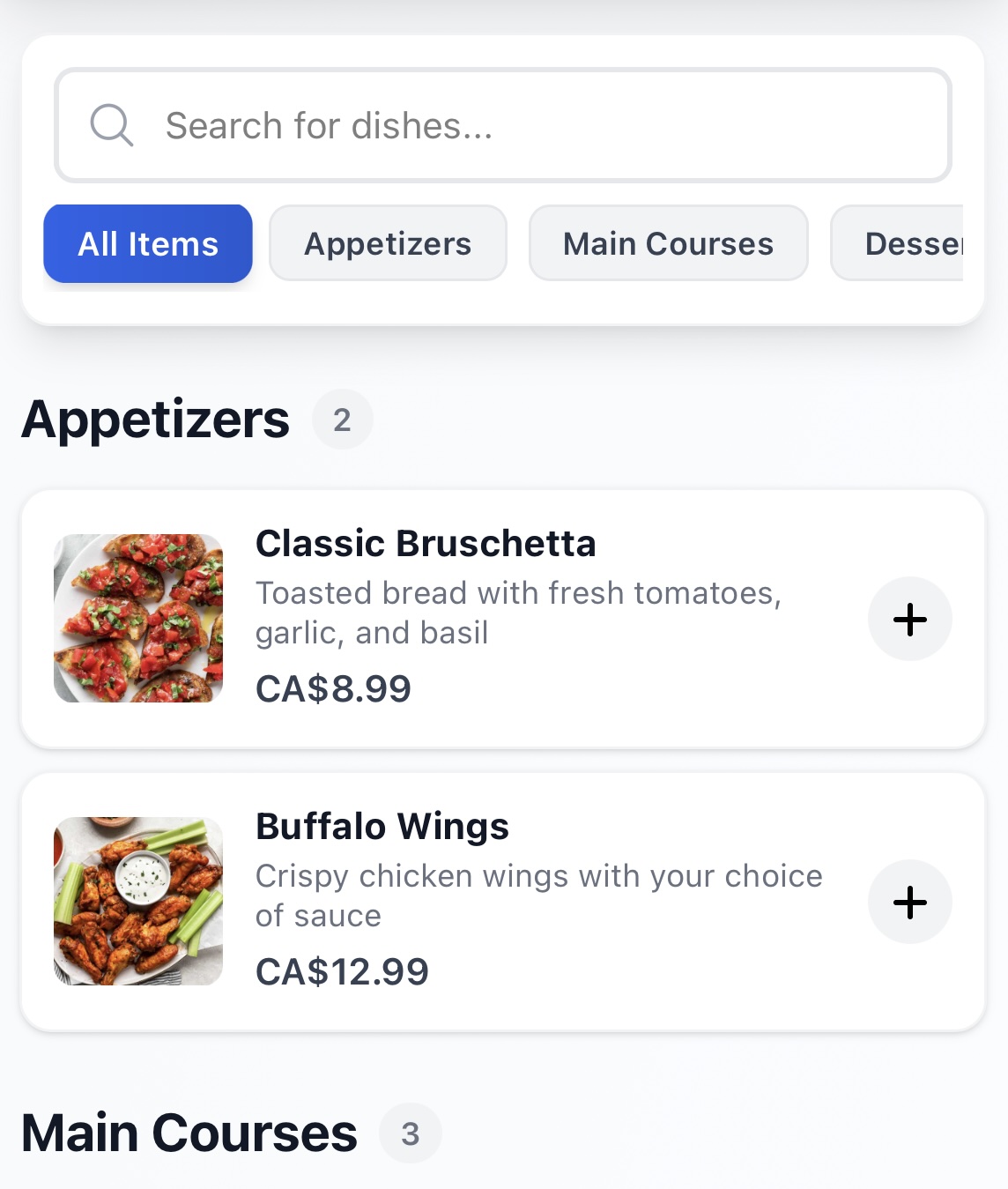
Popular Items → Appetizers → Main Courses → Desserts → Drinks
Within each category, the restaurant can also determine which products should appear first.
The goal is to reduce unnecessary searching and make ordering through My Chef as straightforward as possible.
Built for Restaurants of Any Size
My Chef is designed to support different types of food businesses, from small cafés and food trucks to full-service and larger restaurants.
Restaurants can use My Chef to provide customers with a digital ordering experience through a simple QR code placed at the table.
Customers can scan the QR code, browse the restaurant's menu, customize their order, and submit it directly from their phone.
Meanwhile, restaurants can manage their menu, orders, tables, staff, and other operations through the My Chef platform.
The new sorting and group-option controls are another step toward making that management experience faster and more practical.
My Chef Is Free for Restaurants
One of the main goals of My Chef is to make modern restaurant technology accessible.
My Chef is free for restaurants of any size, allowing restaurants to start using digital menus and QR-based ordering without paying a monthly software subscription simply to access the platform.
Whether you operate a small local café or a larger restaurant, My Chef provides tools designed to modernize the ordering experience while keeping restaurant operations simple.
More Improvements Are Coming
We continue to develop My Chef based on the practical needs of restaurants and their customers.
Features such as menu sorting and group-option activation may seem like small changes, but they can significantly improve daily menu management—especially for restaurants with larger or frequently changing menus.
Our focus remains the same: build simple tools that help restaurants manage orders more efficiently and provide customers with a better dining experience.
Visit mychef.rest to learn more about My Chef and start using the platform for your restaurant.